
Practical projects for ordinary days
Printable vs. Digital Homeschool Planner: Which Fits Your Day?

Choose paper for visible handwritten notes, or a spreadsheet for editable entries and calculated summaries. Compare the actual contents: these two products are different tools, not matching editions.
If you keep buying planners and then abandoning them, the missing ingredient may not be a prettier cover. It may be that you are trying to use a laptop system when you want to scribble at the table—or a paper system when you want to search three months of entries without opening a binder.
A printable homeschool planner and a digital spreadsheet can both hold useful information. They ask different things from you. One needs printing, a pen, and somewhere to keep the pages. The other needs compatible software, an accessible file, and a little care around formulas.
This comparison looks at two actual Feral Toddler products: the Homeschool Mom Planner Bundle for printing and the Classic Homeschool Planner spreadsheet for Excel or Google Sheets. They are different products with different contents, not identical paper and digital editions.

Feral Toddler Etsy shop
Prefer pages you can write on?
The printable Homeschool Mom Planner Bundle lists daily and weekly planner pages, an attendance log, record-keeping pages, and a cover. Choose this for handwritten entries and your own filing system.
Buy the printable bundle on Etsy
Feral Toddler Etsy shop
Prefer a working spreadsheet?
The Classic Homeschool Planner is an editable .xlsx workbook for Excel or Google Sheets, with student records, family attendance, calculated summaries, and printable report cards. Read the compatibility notes before buying.
Buy the digital planner on Etsy
What each planner actually includes
Choose a Format Before Adding Another System
Use your existing device, printer access, and habits to compare the practical fit.
Have these answers ready
- Where you usually make notes: table, desk, or phone
- Whether you want to search old entries
- Whether you want calculated summaries
- Whether someone else needs access to the same working file
- Whether printing and storing loose pages feels manageable
Time: Give yourself ten minutes to choose a likely format, then try it for one ordinary week before moving all your notes.
The printable bundle lists a planner cover, daily and weekly planner pages, an attendance log, and record-keeping pages. It supplies pages you fill in; it does not calculate totals for you.
The spreadsheet listing describes an editable .xlsx workbook with student and subject setup, lesson entries, reading logs, a dashboard, and printable report cards. Its attendance is tracked at family level, while lessons, hours, scores, and reading entries are individual. The listing states compatibility with Excel and Google Sheets, with some display differences between applications.
| Practical question | Printable pages | Digital spreadsheet |
|---|---|---|
| How do you add a note? | Write directly on a printed page. | Type into the designated input cells. |
| How do you change an entry? | Erase, cross out, or print another page. | Edit the entry in the working file. |
| Can you search past notes? | Look through saved pages or your own scanned copies. | Use the spreadsheet application’s search tools. |
| How are summaries made? | You calculate or review them yourself. | Built-in formulas summarize the entries the workbook accepts. |
| What can interrupt access? | A missing page, empty printer, or misplaced binder. | A missing file, device problem, or software access issue. |
| What needs protecting? | The physical pages and any copies you make. | Your working file, backups, and formula cells. |
Use this five-step format check
- Choose one real task. Use something small, such as noting a completed activity or finding a previous book entry. Do not compare formats by imagining the most organized version of yourself.
- Notice where you do that task. If it happens while you stand beside the kitchen table, a paper page may be convenient. If you already sit at a computer afterward, typing may fit naturally.
- Decide what must happen later. A note you only need today does not require the same system as information you want to search, filter, or summarize months from now.
- Check the actual product contents. A digital download can still be a printable PDF or image. Look for the file type and editing instructions rather than relying on the word “digital.”
- Try one format with a small amount of information. Keep the original notes until you know the new setup works for you. Do not spend an evening transferring everything before you have used one page or one input area.
The choice here is about format, not what to teach next. If you already need help selecting upcoming lessons, the existing weekly curriculum planning guide covers that decision separately.
When printable pages are the easier choice
Paper suits the days when you want the page visible beside you and a pen within reach. You can draw a large arrow, add a messy side note, or hand the page to another adult without explaining a tab structure.
The tradeoff arrives later. You have to keep the pages somewhere, find them again, and calculate anything you want totaled. If paper works while you use it but disappears afterward, the format may be fine and the storage may need attention.
Give the pages one home. The small-space paperwork guide explains the container and folder decisions; you do not need a second organizing project just to try a planner.
When a spreadsheet earns its setup time
A spreadsheet is worth considering when you actually want editable entries, searchable information, and summaries based on what you enter. Those functions can save repeated manual work, but only if opening the file feels easy enough to do.
Start with the product’s setup instructions and keep a clean original. Work in a copy, replace sample entries only where instructed, and avoid typing over formulas. This is a workbook you use in spreadsheet software, not a standalone app that connects itself to your school or calendar.
Cloud sharing, offline access, and device behavior depend on the application and settings you use. Do not assume those are extra features supplied by a template purchase.

Problems that are usually format problems
Paper feels nice but gets lost
Try one active folder before buying a digital replacement. A visible storage place may solve the actual problem.
The spreadsheet stays unopened
Put a shortcut where you already work and test one tiny entry. If accessing it still feels awkward, paper may be the better daily capture tool.
You expect a PDF to calculate
Check the file type. Printable pages do not gain spreadsheet formulas just because the delivery is digital.
A formula gets overwritten
Stop editing that area and return to a backup or clean copy. Follow the workbook instructions instead of rebuilding a formula by guessing.
You record everything twice
Choose one master record. A temporary paper note can feed a digital file, but it should not become a second permanent system to maintain.
You buy a second color edition
Check what is included first. The verified Classic spreadsheet listing includes that edition only; a new color does not solve a format mismatch.
Three sensible ways to choose
Paper-first
Choose this when visibility and quick handwriting matter most. Keep only the pages you need in reach and print replacements as required.
Digital-first
Choose this when you already use a computer or tablet comfortably and want searchable entries and calculated summaries. Keep the working file easy to find and backed up.
A limited hybrid
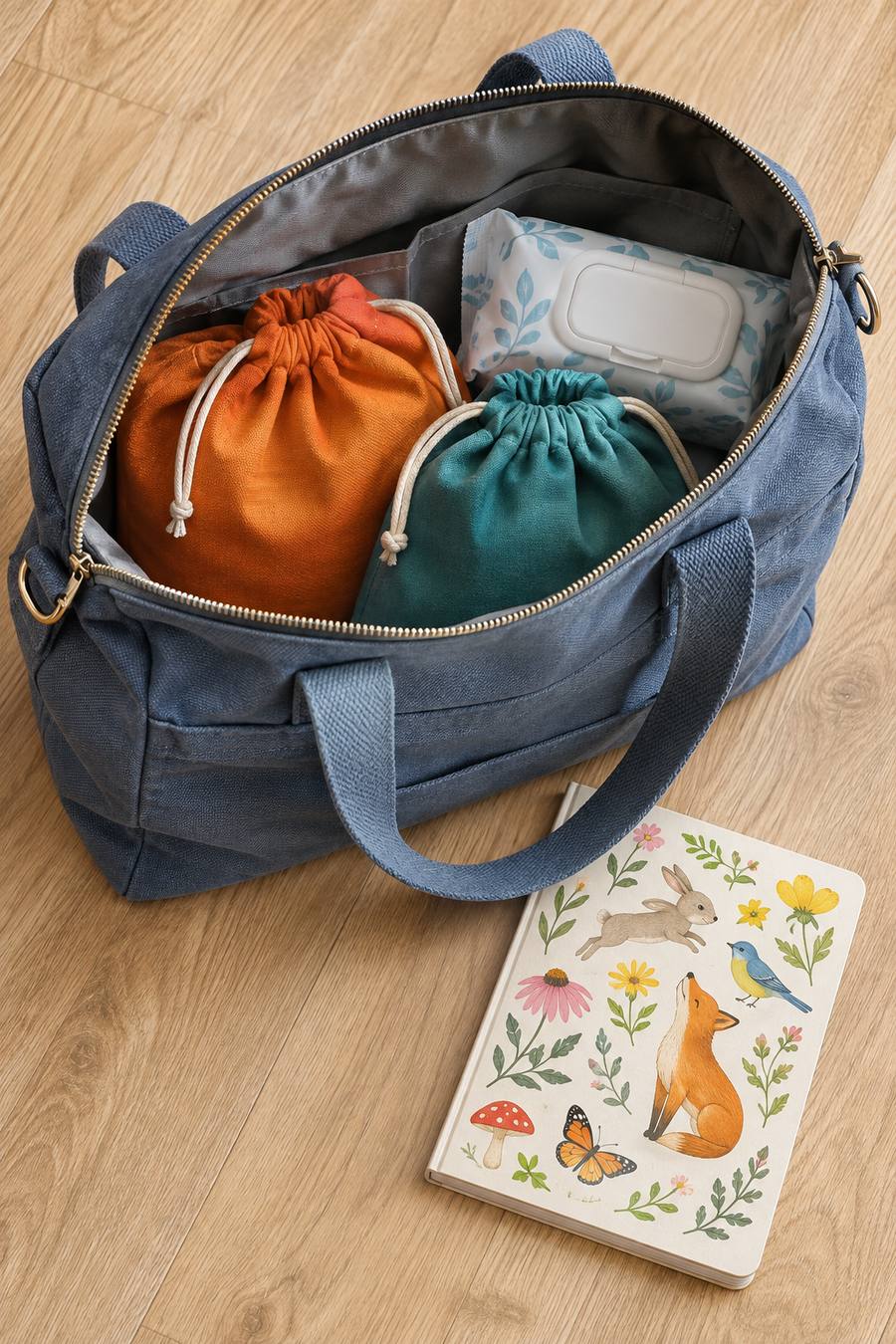
Use paper for a short outing note and one digital file for the lasting record. For example, your child can draw in a paper nature journal while you keep adult notes digitally; those are different purposes, not duplicate records.
Make the smallest next move
You do not need to migrate an entire year tonight. Choose one format, use it with a small amount of information, and see whether it is easy to return to. A useful planner earns its place through access and use, not through the number of tabs or decorative pages.
You can note a single plant picture-sequencing activity in either format. The activity does not become more complete because the planner entry is elaborate.

Printable versus digital planner FAQs
Is a digital download the same as a digital planner?
No. Digital delivery can mean printable pages or an editable workbook. Check the stated file type and instructions before buying.
Are these two products identical in different formats?
No. The printable bundle and spreadsheet have different contents. Compare the current listing details rather than assuming every page has an equivalent tab.
Does the spreadsheet work in Google Sheets?
The current listing states compatibility with Excel and Google Sheets. It also notes that some layout and features may display differently between applications.
Can I print from the digital planner?
The spreadsheet listing includes printable student report cards. For other tabs, check the workbook’s instructions and preview the output rather than assuming every screen is a print-ready page.
Which format is cheaper?
Compare the current purchase prices alongside paper, ink, storage, and any software you need. The better value is the format you can use comfortably without buying duplicate systems.



Leave a Reply